AI Agent Replies to Social or Email Messages
Enable Reply AI Agent on a campaign
Written By Kevin Lawrie
Last updated About 1 month ago
Every reply your campaigns receive, on LinkedIn or email, is classified automatically. A Reply AI Agent goes further: it can draft, or even send, the first response based on what that classification found.
Three layers, one system
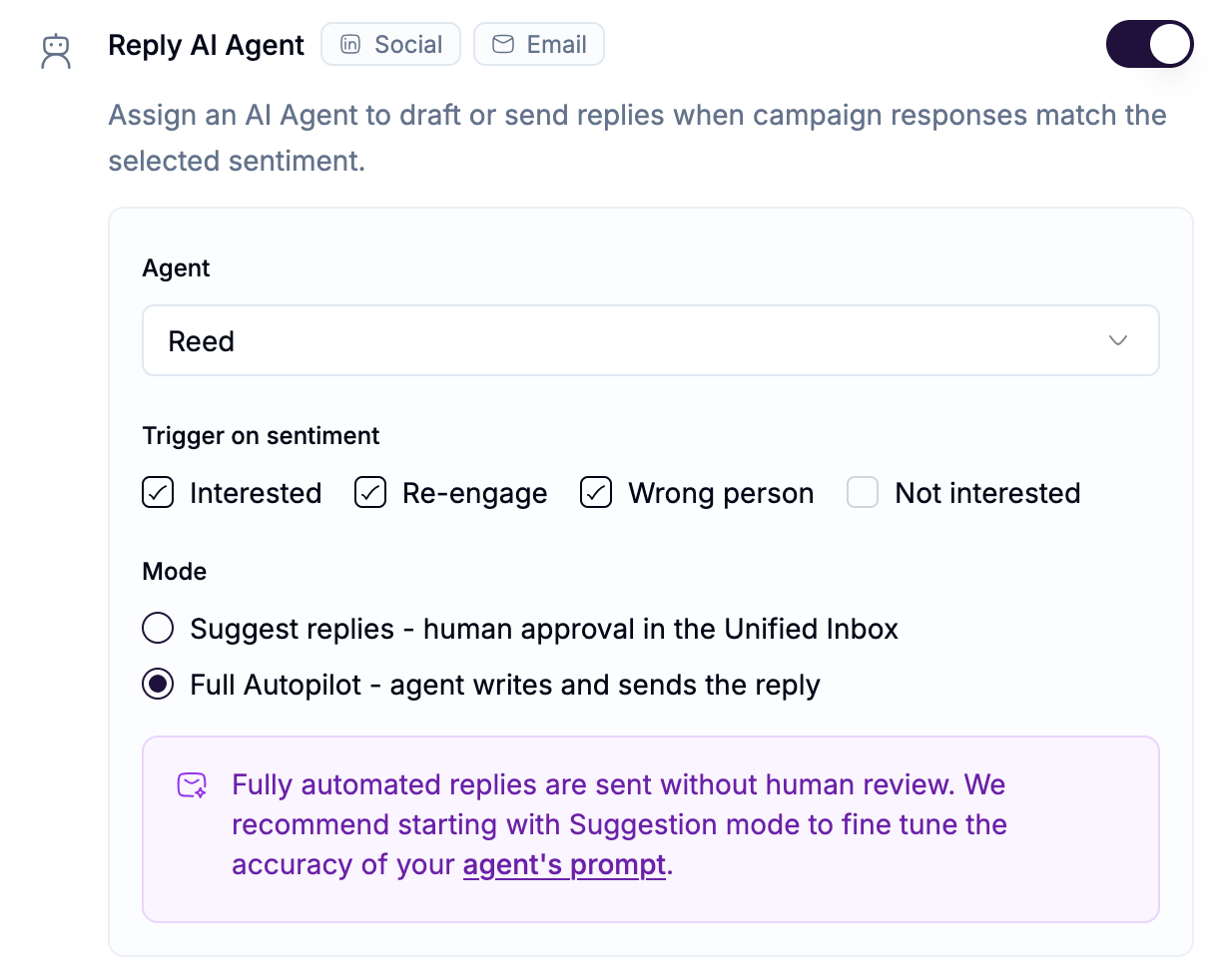
Reply sentiment detection runs on every campaign automatically. It classifies each inbound reply into a broad category: Interested, Not Interested, Re-engage, Wrong person, and similar. This happens whether or not you've set up an agent.
Reply AI Agent is what you assign on the campaign's Details step. Once assigned, it acts when a reply matches the sentiments you've chosen, drafting or sending a response.
Reed, the Reply Agent is our named, ready-to-use template. It goes a step further than broad sentiment, classifying replies into much more specific intents, and responding differently depending on which one it finds.
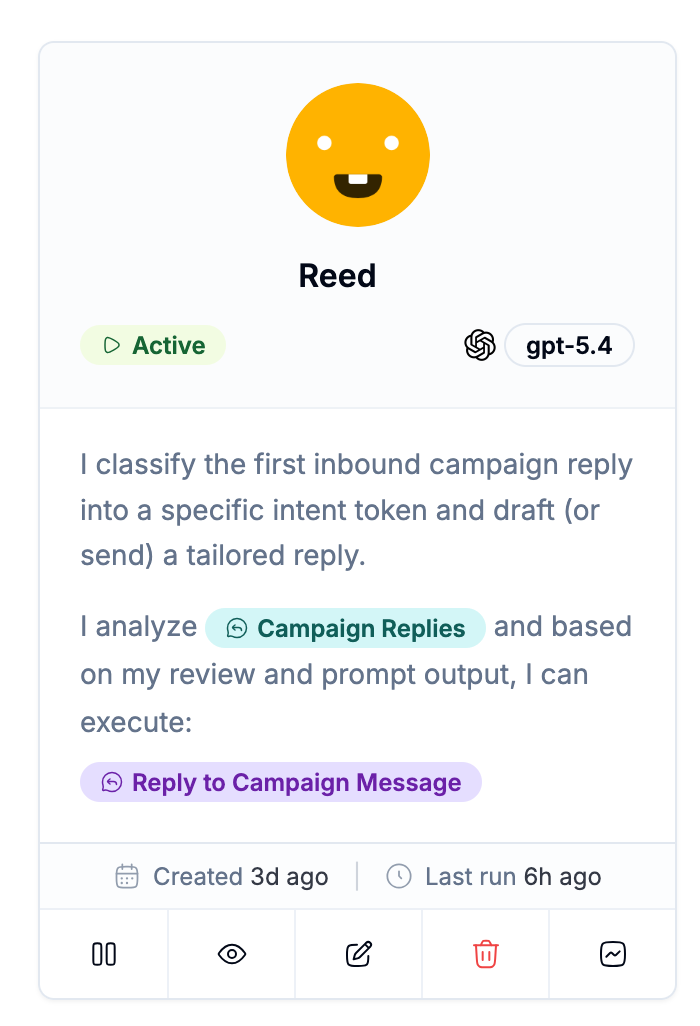
You can use Reed as-is, clone it and customize it, or build your own Reply Agent from scratch. All three are enabled the same way.
Enabling a Reply AI Agent
In AI Agents, create or select the agent you want to use. To start with Reed, select the Reed - Reply Agent template.
Open your campaign's Details step.
Toggle on Reply AI Agent.
Select the agent.
Choose which sentiments should trigger it.
Choose a mode:
⚠️ Note: Start in Suggest mode for any new agent, including Reed, until you've reviewed enough drafts to trust its tone and judgment unsupervised. Move to Full Autopilot only once you're confident.
Optionally enable Slack notify on Interested, so your team hears about a live opportunity the moment it's classified, on either channel.
This works the same across LinkedIn and email
You configure a Reply AI Agent once, on the campaign's Details step. It applies to replies coming in from your Social Senders and your mailboxes alike, no separate setup needed per channel.
Firmographics feed every reply
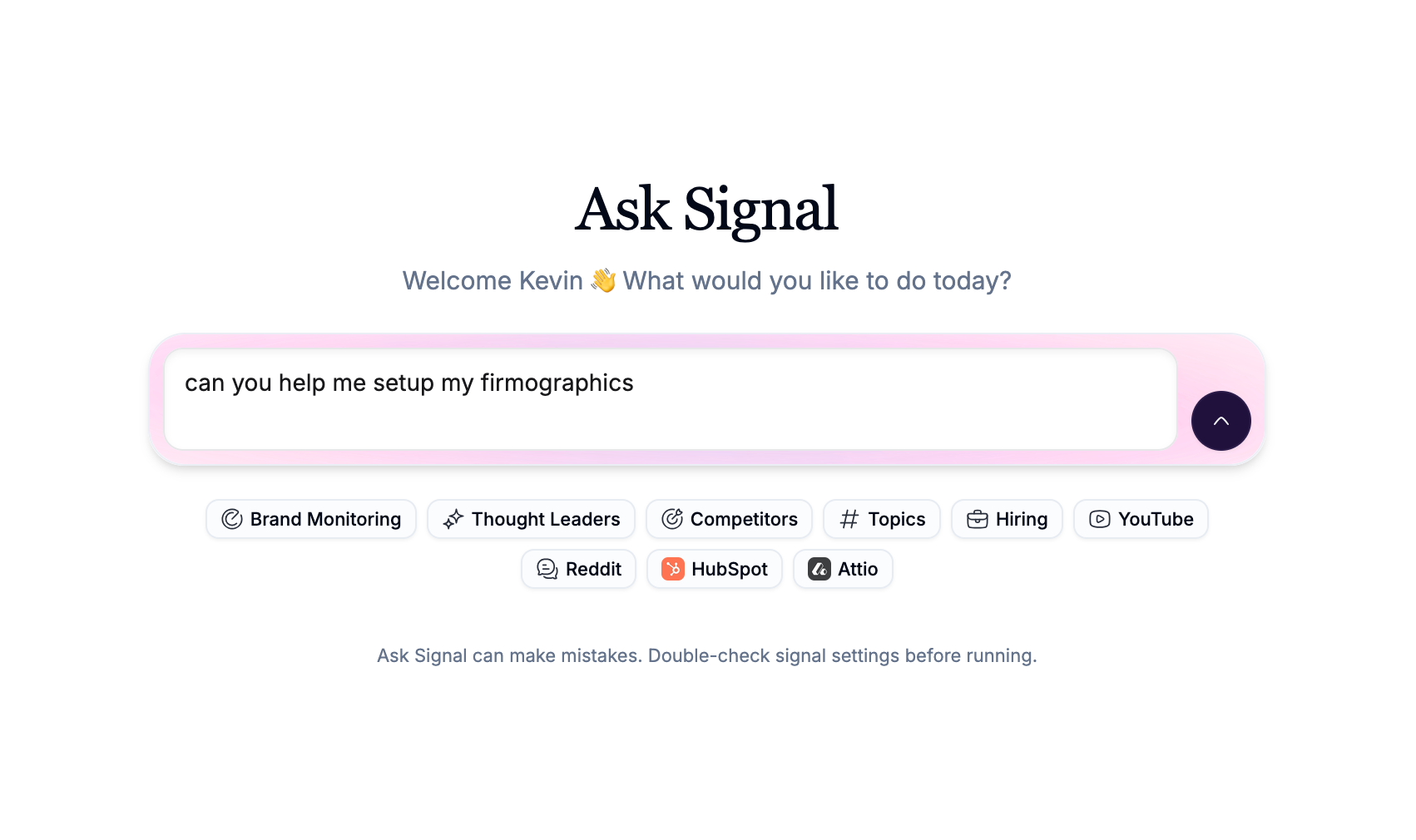
Whatever agent you use, its replies draw on your workspace's {{firmographics}}, your own product and positioning, not the prospect's. Leverage ‘Ask Signal’ to build out a full set of firmographics for your organization - including value proposition, ideal customer persona and guidelines for how you sell and who you sell to.