Connect and configure social sender accounts
Learn how social senders work, how to connect them, and how warm-up, limits, and account status affect campaign delivery.
Written By Kevin Lawrie
Last updated 4 months ago
Social senders are the accounts that power delivery inside Social Campaigns.
Think of them as the sending layer behind your outreach. Your campaign decides what should happen. Your social senders determine which connected accounts can actually carry it out.
If your senders are healthy and configured well, campaigns are easier to launch and easier to scale.
What you can do in Social Accounts
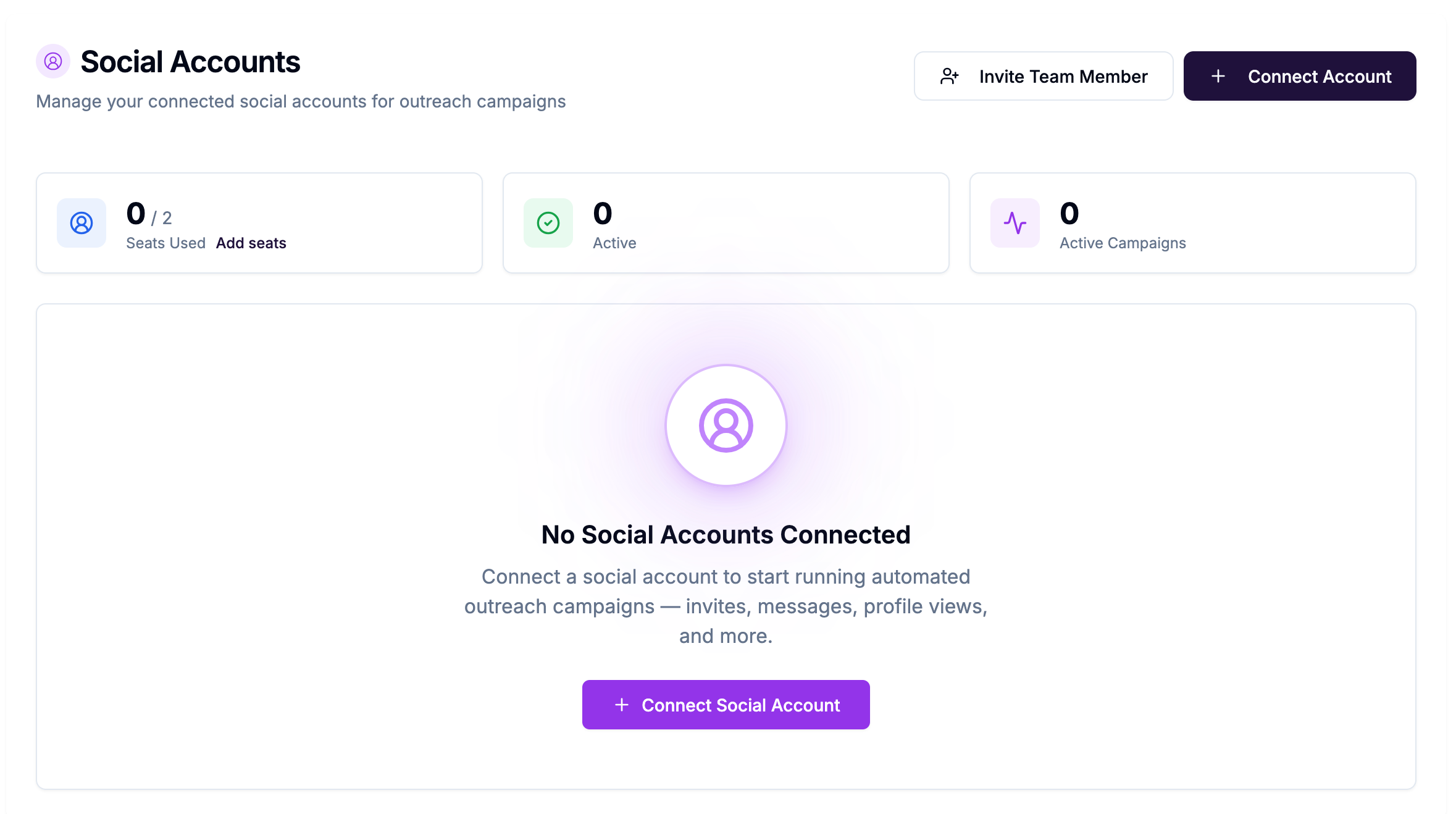
The Social Accounts area is where you manage connected social accounts for outreach campaigns.
From there, you can:
Connect a new account
See how many seats are in use
Review which accounts are active
See how many active campaigns are using each sender
Monitor warm-up status
Review daily limits
Manage teammate connection invites
This is the operational foundation for campaign sending.
How to connect a sender
To add a new sender:
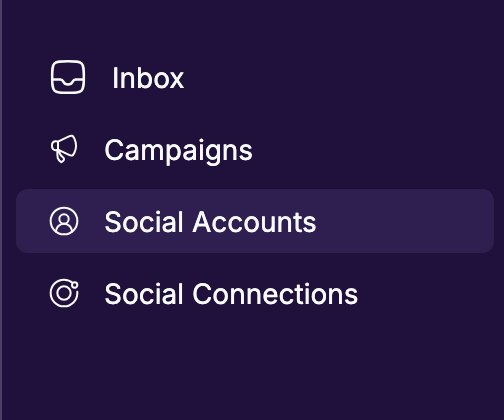
Open Social Accounts
Click Connect Account
Complete the connection flow
Wait until the account shows as active
Assign that sender to a campaign
If you work with a team, you may also send connection invites so another teammate can connect an account under your workspace.
What sender status means
Active
The sender is connected and available for campaign use.
Setup in progress
A connection invite has been opened or setup has started, but the account is not fully ready yet.
Awaiting link
A team invite exists, but the connection has not been completed yet.
Disconnected
The account is not ready to send until it is reconnected or replaced.
If a sender is not active, do not assume a campaign using that sender is ready to scale.
Warm-up matters
Warm-up helps protect account health by gradually increasing how much activity an account can handle.
If warm-up is enabled, the system increases activity more carefully over time instead of jumping straight to higher sending volume.
This is important because healthy account pacing is part of sustainable outreach.
Daily limits matter too
Each sender has daily limits that control how much activity it can perform.
Those limits affect how fast campaigns move.
In practice, this means:
A campaign can be fully configured but still send more slowly than expected
Two campaigns using the same sender must share that sender's available capacity
More senders usually means more room to scale safely
If you are wondering why delivery looks slower than expected, sender limits are one of the first things to check.
Sender schedule vs campaign schedule
This is an important distinction:
Sender-level timezone, working days, and working hours apply to non-campaign automation
Campaign-level schedule controls when campaigns send
So if you are working inside Social Campaigns, the campaign's own active days, active hours, and timezone are what matter most.
That helps you schedule each campaign around the audience you are targeting, instead of relying on one universal sender schedule.
When to use multiple senders
Using multiple senders is helpful when you want to:
Spread volume across accounts
Reduce dependence on any single sender
Run multiple campaigns more comfortably
Keep pacing more balanced across your team
When more than one sender is assigned, new leads are distributed across those senders instead of all landing on one account.
Team connection invites
If you invite teammates to connect accounts, those invites can temporarily reserve seats.
That is useful operationally, but it also means unused invites or incomplete setups can still affect sender capacity until they are finished, revoked, or expired.
If capacity looks wrong, check for outstanding team connection invites.
Best practices for healthy senders
Start with quality, not quantity
A few healthy senders are better than many poorly prepared ones.
Let warm-up do its job
Do not treat warm-up like a blocker. Treat it like protection.
Watch active campaign count
If one sender is attached to too many active campaigns, that account may become a bottleneck.
Review limits before scaling
If campaign delivery slows down, check sender limits before changing the flow.
Keep sender operations clean
Resolve incomplete setups, disconnect unused accounts, and keep team invites tidy so capacity stays predictable.
A simple rule of thumb
Before troubleshooting a campaign, check the senders.
Many campaign delivery questions are really sender readiness questions in disguise.