Importing campaign leads from a Target List
Pull members of a SugarAI Target List directly into a getsignals social outreach campaign. Choose between a one-time import or an ongoing sync that automatically enrolls new additions to the list.
Written By Kevin Lawrie
Last updated 2 months ago
How it works
If you use getsignals campaigns for social outreach, you can source leads directly from a SugarAI Target List rather than building a list manually. Every member of the Target List with a LinkedIn profile in your configured match field is enrolled in the campaign automatically.
Prerequisites
SugarAI connected
LinkedIn match fields configured in Matching Settings
A campaign created in getsignals
LinkedIn profiles stored on the relevant Target, Lead, or Contact records in SugarAI
How to import
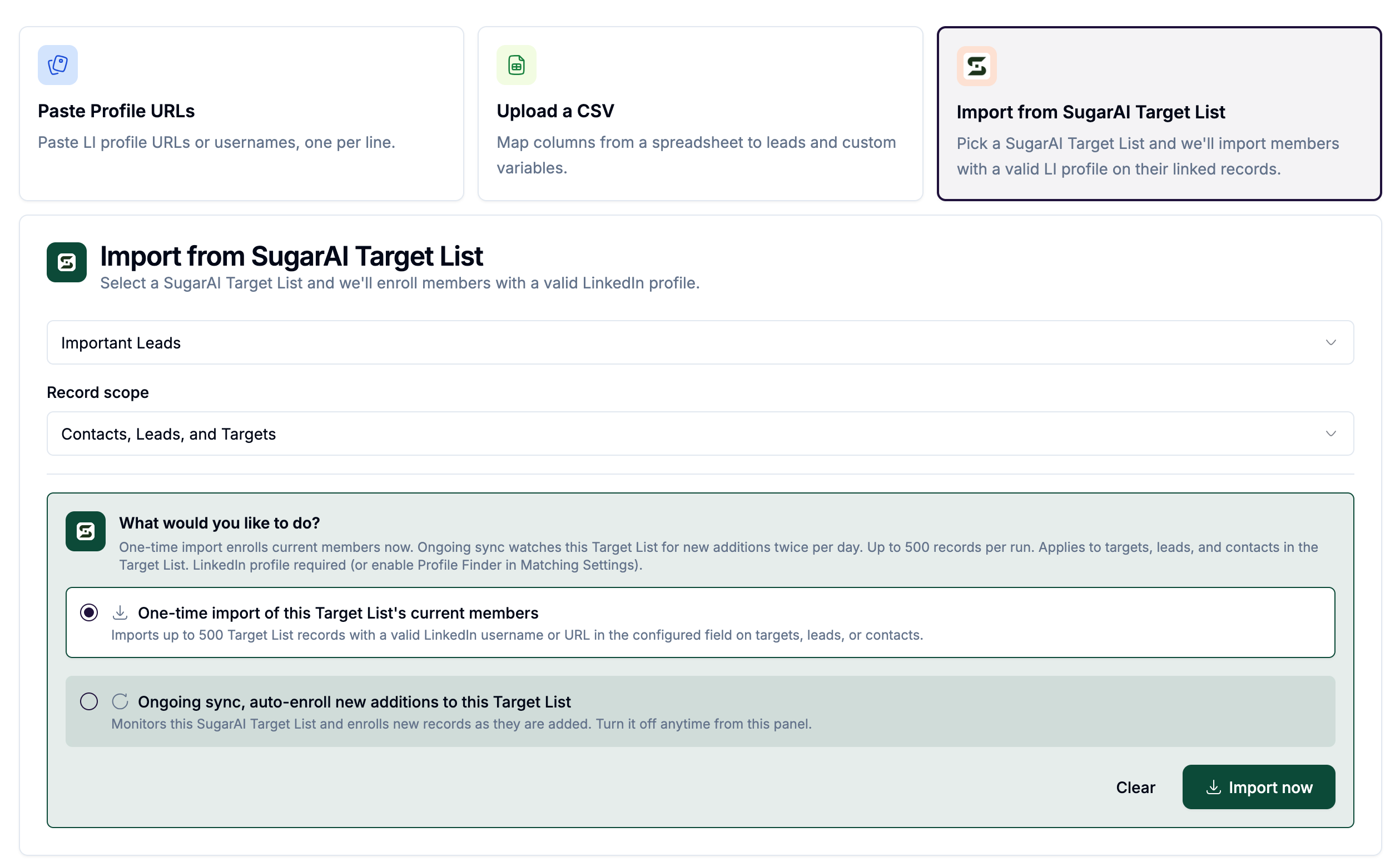
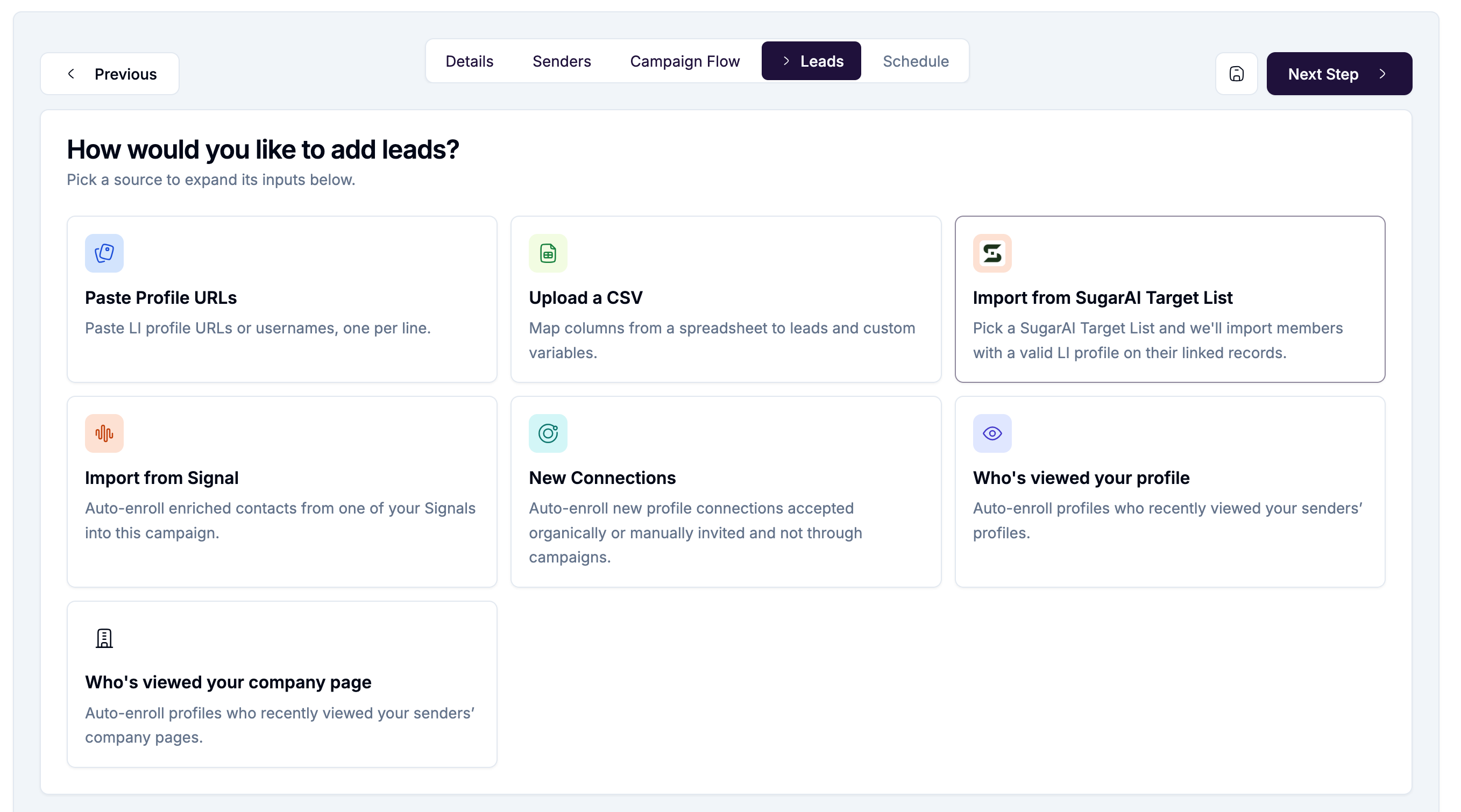
Open a campaign in getsignals and go to the Leads tab.
Find the Import from SugarAI Target List panel.
Select a Target List from the dropdown.
Choose a record scope:
Choose your import mode (see below).
Click Import now or Enable ongoing sync.
One-time import
Imports the current members of the Target List immediately. Up to 500 records per import. Records must have a LinkedIn profile URL or username in your configured match field.
If the Target List has more than 500 members, only the first 500 are processed. Re-run the import to pick up the rest.
Ongoing sync
Monitors the Target List and automatically enrolls new records as they are added to the list in SugarAI. Runs twice per day.
When ongoing sync is active, a banner shows on the Leads tab:
Ongoing sync is active for "[list name]" (SugarCRM). Turn off sync.
Click Turn off sync at any time to stop the ongoing sync without affecting already-enrolled leads.
Profile Finder during import
If a record is missing a LinkedIn profile and the Profile Finder is enabled in Matching Settings, getsignals will attempt to find the profile automatically during import. Credit cost: 10 per valid profile found.
Limits
Note on the provider label
In the campaign Leads tab, the import panel shows SugarCRM as the provider label. This refers to the same SugarAI integration. The label differs from the rest of the platform where SugarAI is used consistently.