Types of social Signals
Choosing the right Signal type is the most important decision when creating a Signal. This article explains each type and gives practical guidance on which to use for common scenarios.
Written By Kevin Lawrie
Last updated 6 months ago
Social profile & page signals
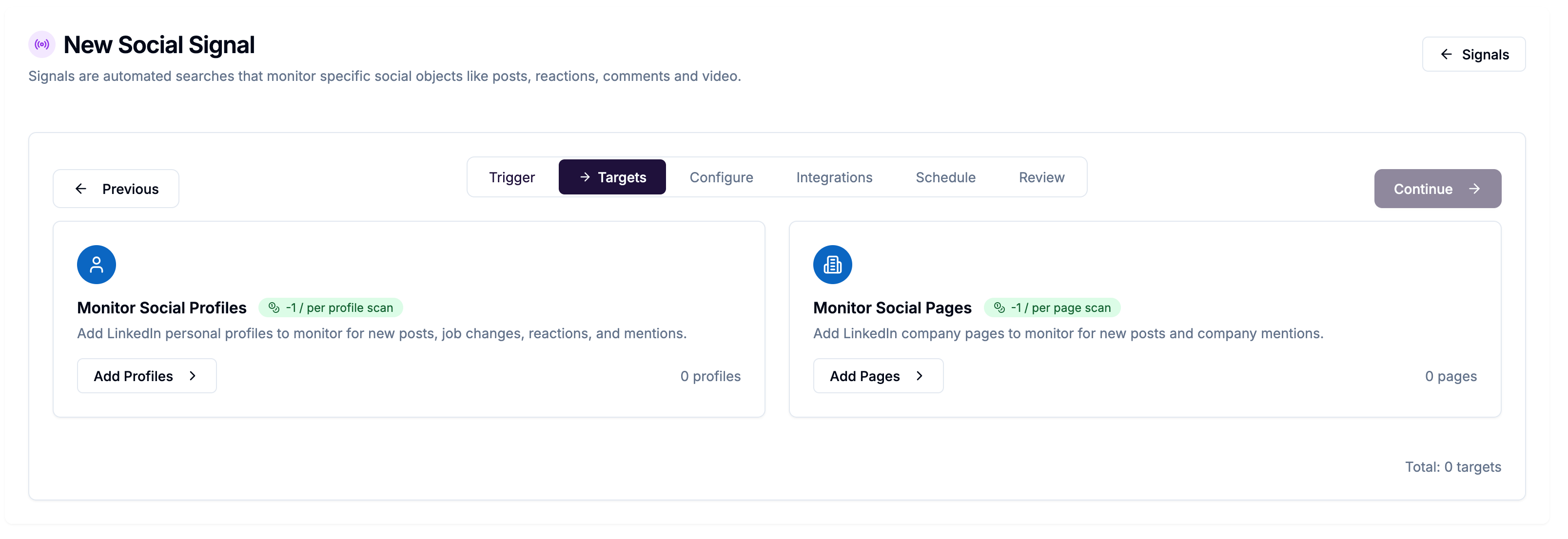
These Signals monitor specific people or company pages you choose.
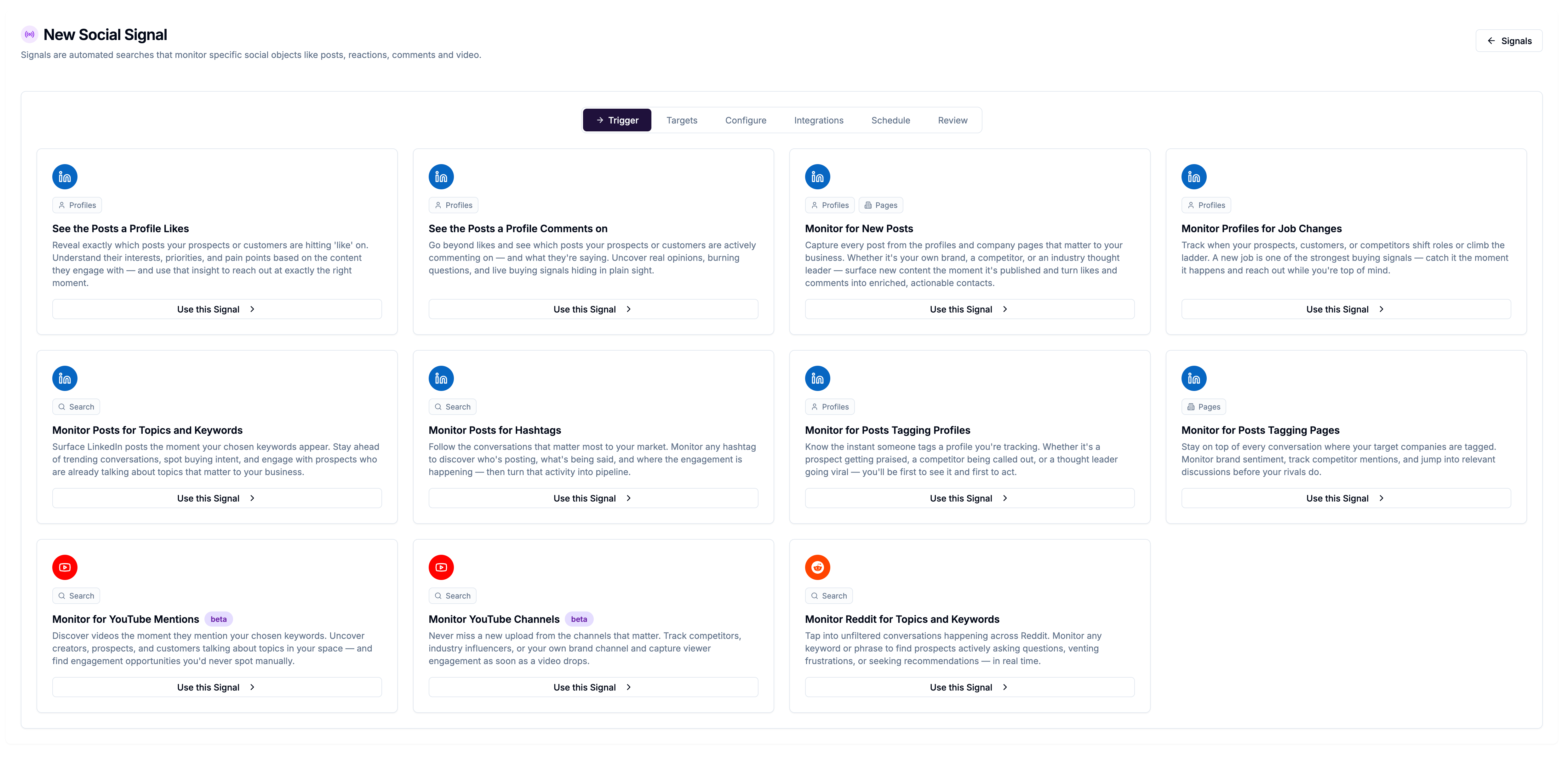
Monitor for New Posts
Best for: Tracking when a specific person or company publishes something new on LinkedIn.
Add the profiles or pages you want to follow. Each time the Signal runs, it collects any new posts they published since the last run.
See the Posts a Profile Likes
Best for: Understanding what content a person engages with — useful for prospect research.
Monitors which posts a specific LinkedIn profile has liked recently.
See the Posts a Profile Comments on
Best for: Finding conversations a specific person is actively participating in.
Collects posts where a tracked profile has left a comment.
Monitor Profiles for Job Changes
Best for: Catching the moment a key contact changes role or company — a natural outreach trigger.
Checks tracked profiles for updates to their job title or employer. You can receive a Slack or email notification the moment a change is detected.
Monitor for Posts Tagging Profiles
Best for: Tracking mentions of a person across LinkedIn.
Collects posts where a specific LinkedIn profile has been tagged by someone else.
Monitor for Posts Tagging Pages
Best for: Brand monitoring — seeing who is mentioning your company or a competitor.
Collects posts that tag a specific company page.
Keyword & hashtag signals
These Signals search broadly across LinkedIn, not tied to specific profiles.
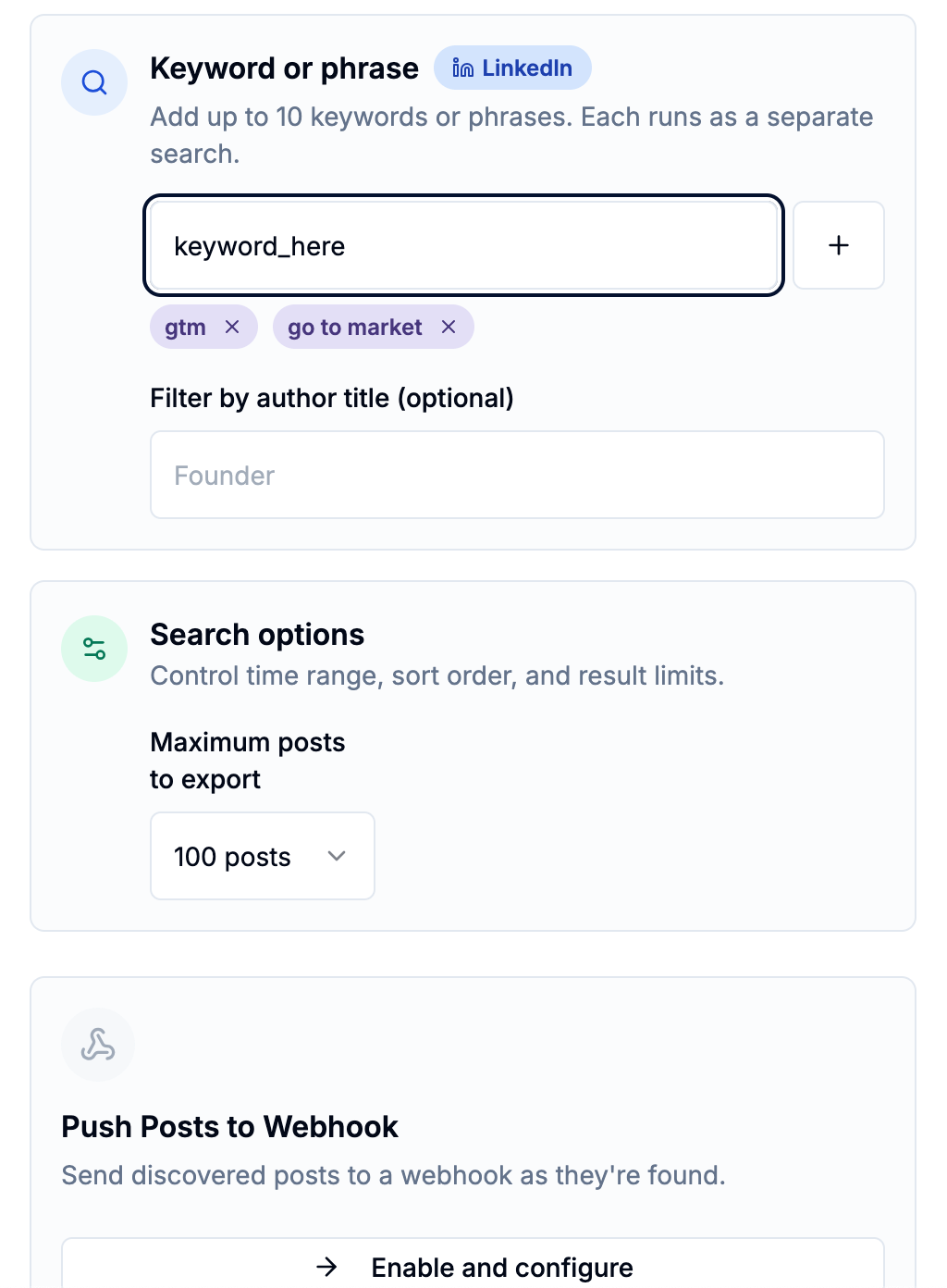
Monitor Posts for Topics and Keywords
Best for: Finding posts about a topic, industry trend, pain point, or competitor — from anyone on LinkedIn.
Enter up to 10 keywords or phrases. The Signal scans LinkedIn posts containing those terms and surfaces the most relevant results.
Monitor Posts for Hashtags
Best for: Following a community or conversation organised around a specific hashtag.
Tracks posts published with one or more hashtags you specify.
Reddit & YouTube signals
These Signals extend your monitoring beyond LinkedIn.
Monitor Reddit for Topics and Keywords
Best for: Finding genuine conversations about your product, category, or competitors on Reddit.
Searches Reddit posts and threads for your keywords. You can sort results by Hot, Top, or New.
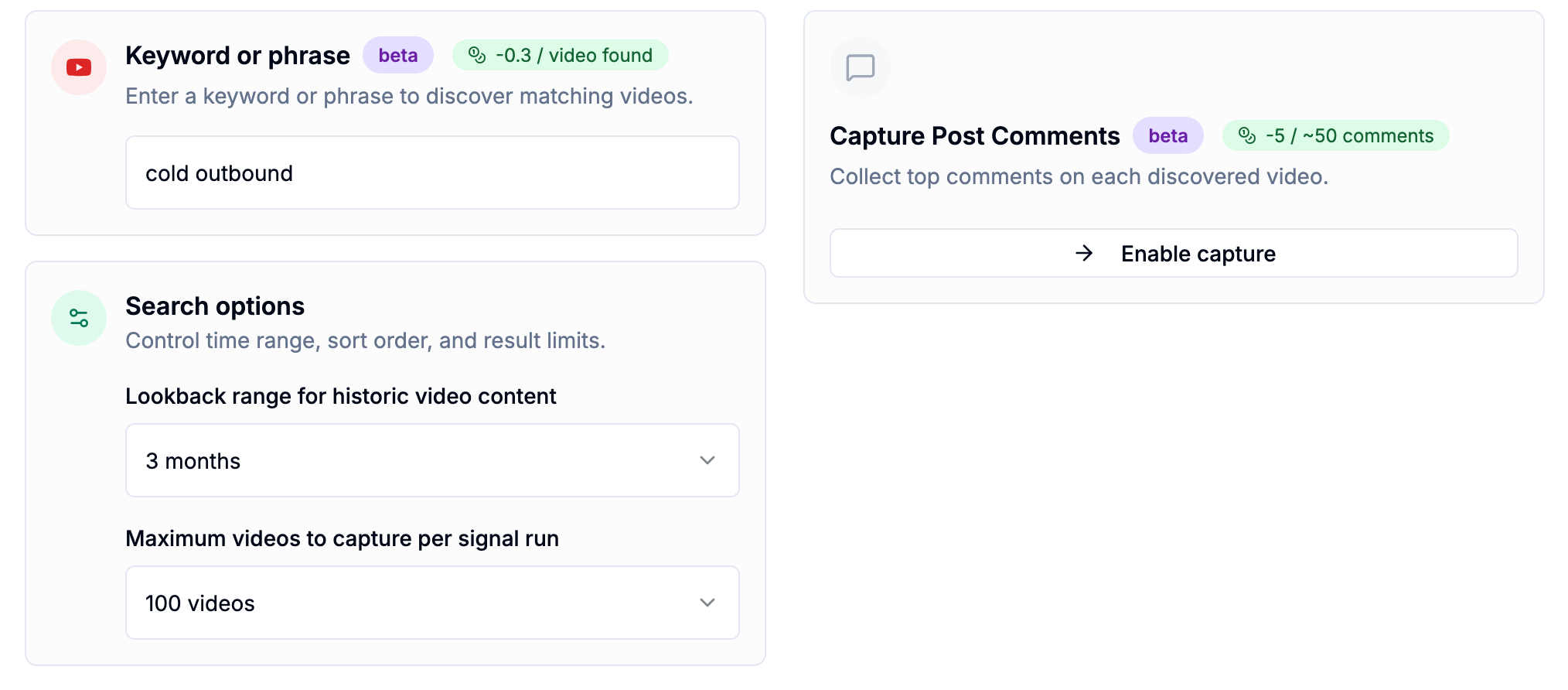
Monitor for YouTube Mentions (beta)
Best for: Tracking when your topic, product, or keywords appear in YouTube video titles or descriptions.
Searches YouTube for videos matching your keywords. Optionally captures comments on those videos too.
Monitor YouTube Channels (beta)
Best for: Following specific YouTube channels for new uploads.
Add channel URLs to monitor. Notifies you when new videos are published.