What are AI Agents and how do they work
The signal tells you who. The AI Agent makes it actionable. Agents read your social data, qualify it against criteria you define in plain language, and trigger the right action automatically — before a human touches it.
Written By Kevin Lawrie
Last updated 6 months ago
The core idea
Your Signals collect a lot of data — posts, comments, reactions, contact profiles. Not all of it is relevant. Without AI Agents, deciding what to act on is a manual process. With them, it's automatic.
An AI Agent does three things in sequence:
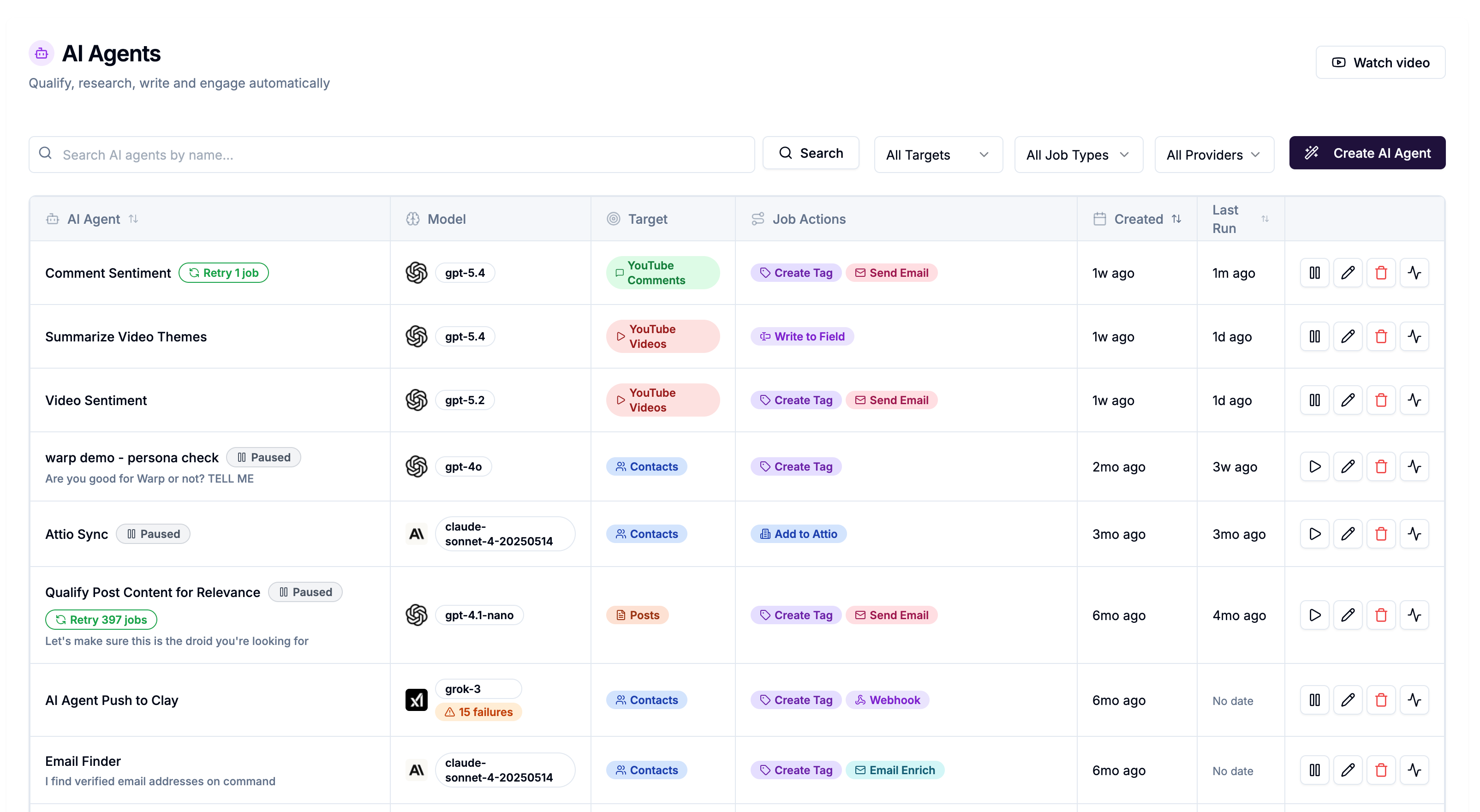
Reads a piece of social data — a post, a comment, a contact profile, a YouTube video
Produces a simple output — a classification (TRUE/FALSE, BUYER INTENT, NOISE) or generated text (a personalised opener, a summary score)
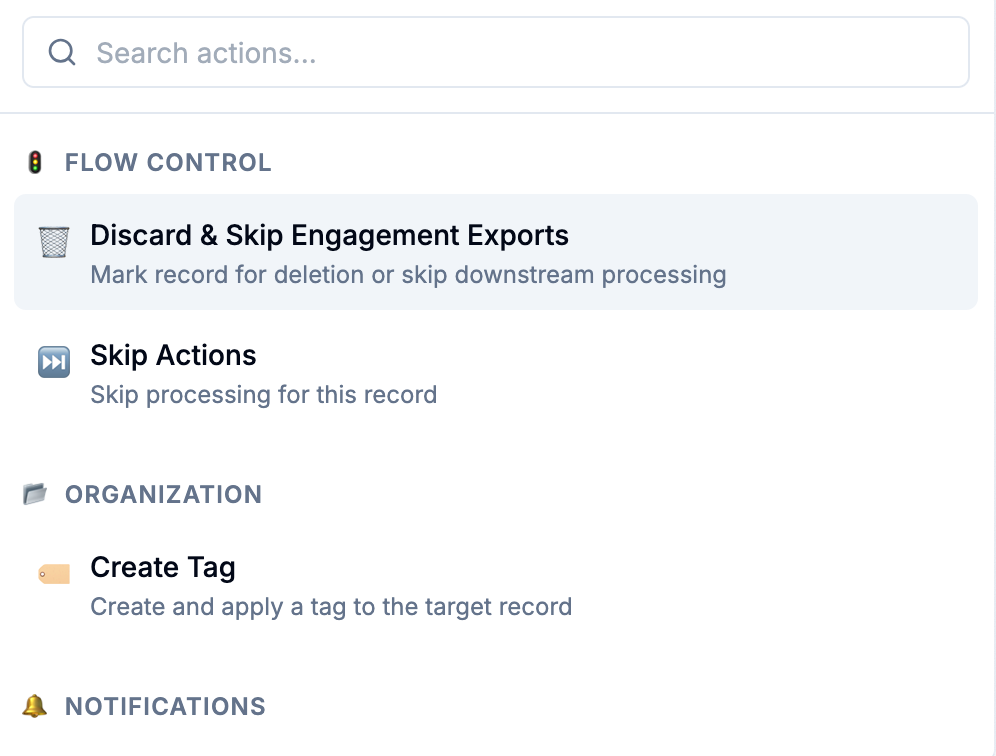
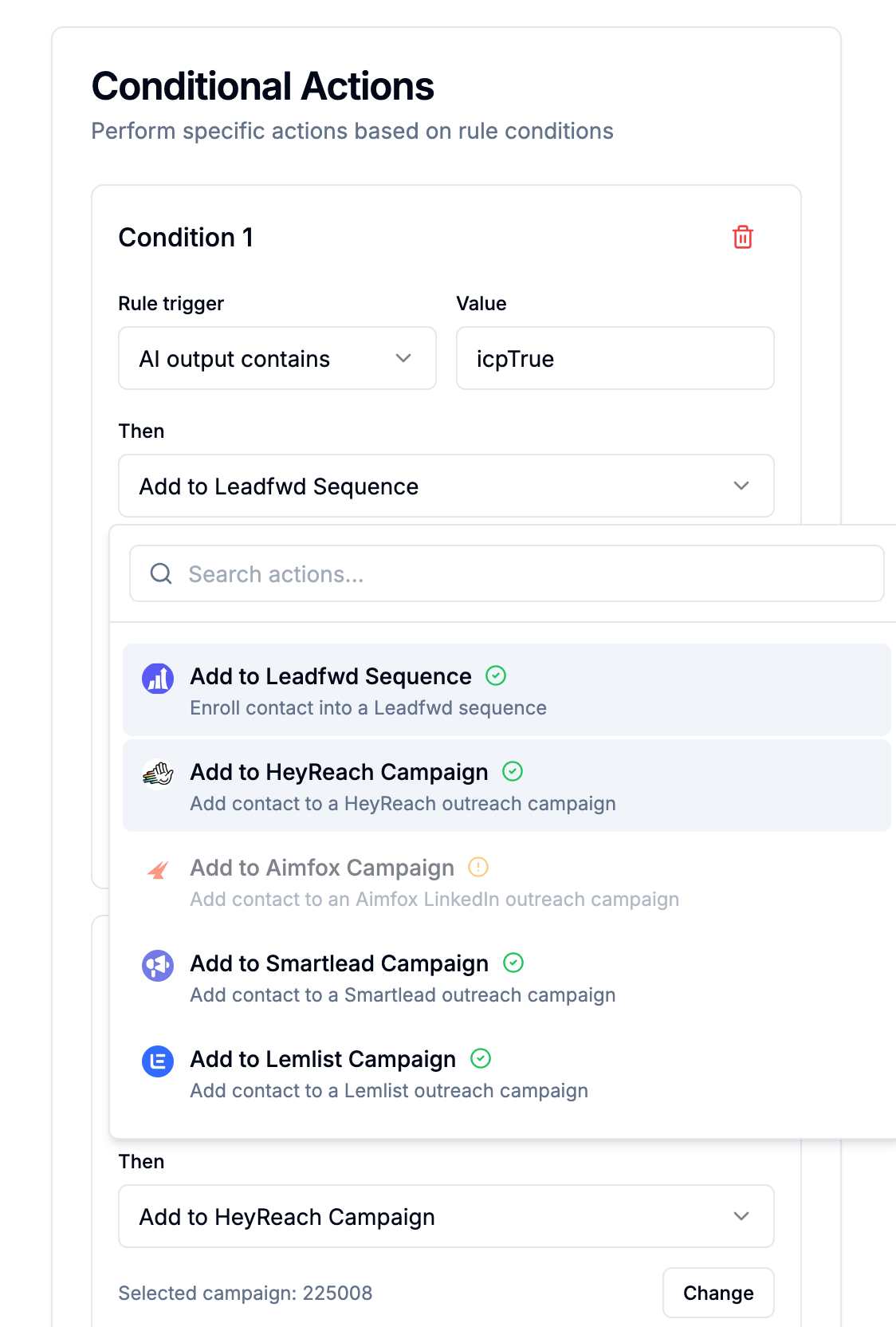
Takes action based on that output — enrich a contact, send a Slack alert, add to a campaign, discard, or do nothing
Every agent you create is built around a prompt you write yourself in plain language. You describe what you want the AI to look for, what to output, and the platform handles the rest.
Why simple outputs matter
The most effective AI Agents produce short, predictable outputs — a single word, a category label, or a brief phrase. This is intentional.
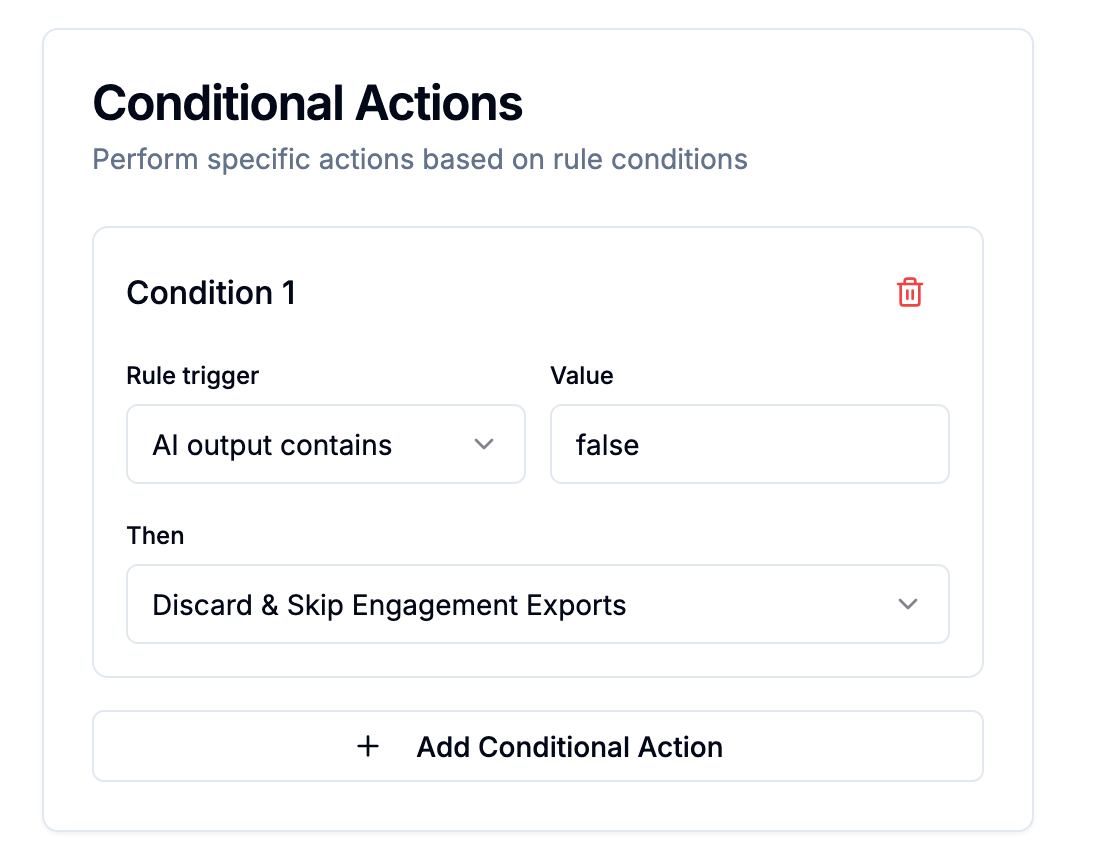
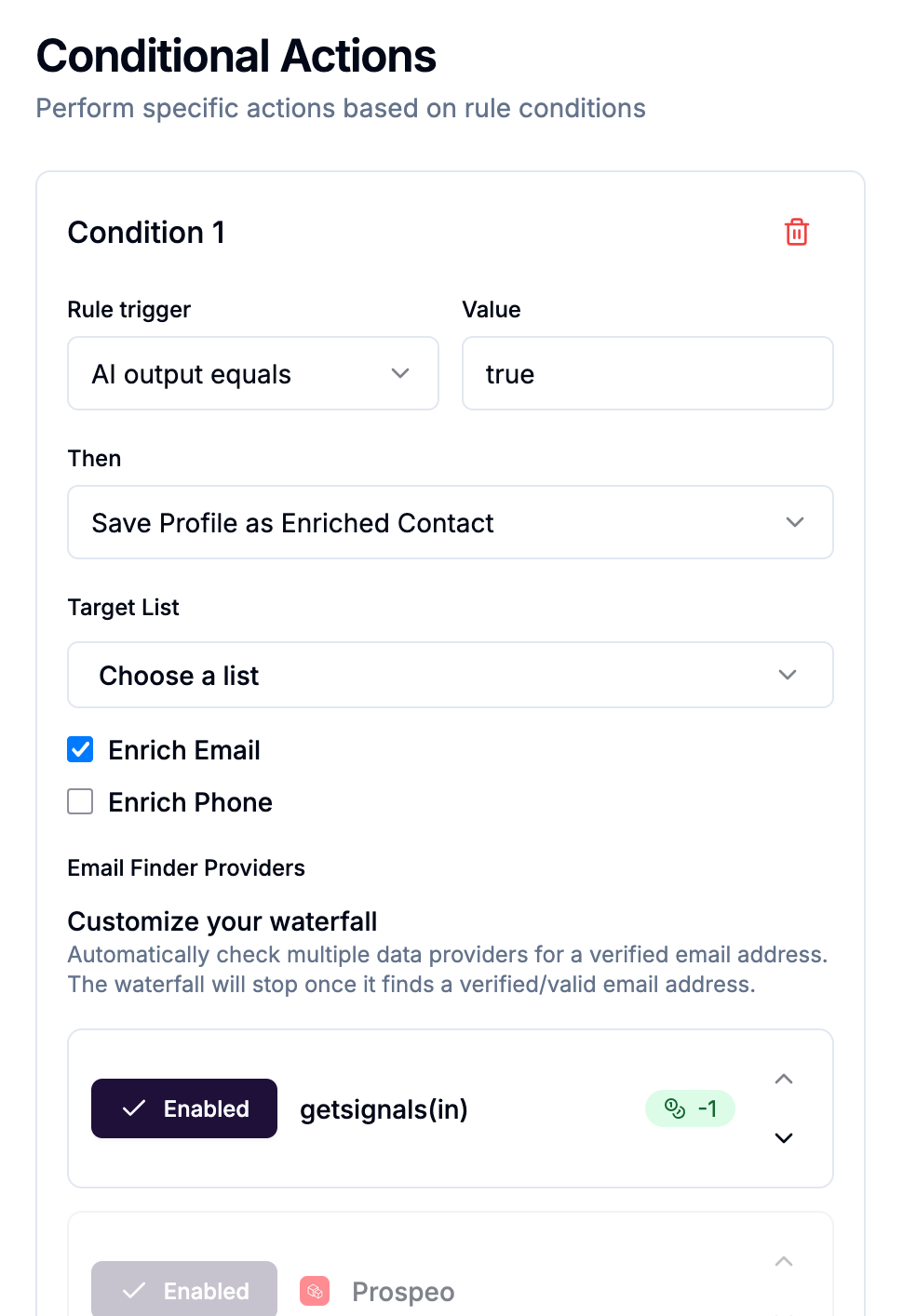
Simple outputs make conditional rules reliable. If your prompt consistently returns true or false, your rules are clean:
If output equals
true→ enrich contact, find email, add to campaignIf output equals
false→ skip. Stop all processing.
If your prompt returns long, unpredictable text, conditional rules become fragile. Save generative outputs (written copy, summaries) for agents where the output itself is the deliverable — stored to a custom field, not used as a routing condition.
The two output strategies
Classification — The agent reads data and returns a label. Use this for routing and gating decisions.
Examples:
true/false— ICP match, buyer intent detection, relevance checkbuyer intent/product question/competitor frustration/noise— comment categorisationpositive/negative/comparison— brand sentiment
Generation — The agent reads data and writes something. Use this when the output itself has value downstream.
Examples:
A one-line cold email opener personalised to the contact's recent post
A summary of a YouTube video's comment themes
An ICP fit score with brief reasoning
Generated outputs are saved to a custom contact property and can be mapped as variable tags in your outreach tool templates (Instantly, Smartlead, Leadfwd, etc.).
AI Agents as a cost gate — at every stage
AI Agents help protect your credit budget and outreach quality at multiple points in the workflow, not just one.
Here's the full cost exposure your Signals can generate, and where agents intervene:
When an AI Agent targets Contacts, the 2-credit enrichment cost has already been spent — the contact record exists. What the agent protects against is everything downstream: spending 1 credit finding an email for someone who isn't a fit, spending 10 credits finding a mobile number, and most importantly, enrolling the wrong people into outreach campaigns.
That last point matters beyond credits. Emailing irrelevant contacts damages your sender reputation and drives down reply rates across your entire campaign — costs that don't show up in your credit balance but affect your results significantly.
When an AI Agent targets Posts or Comments, it gates the enrichment itself. It reads the actual content — what someone wrote, what problem they described, what they're asking for — and decides whether that person is worth the 2-credit enrichment cost before it's spent.
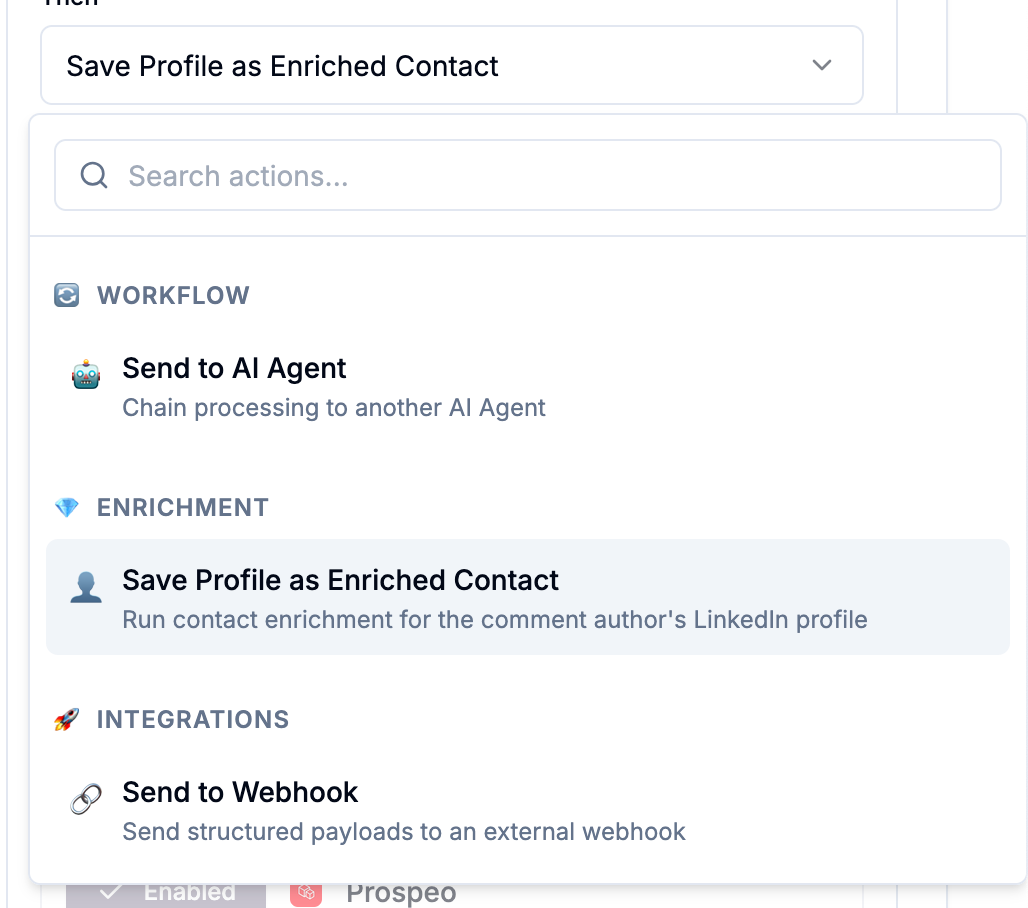
Example — LinkedIn Comments agent: A post has 300 comments. The agent reads each one: does this commenter signal buying intent?
Developer asking a generic question →
false→ skipped. No enrichment, no email finder, no campaign slot wasted.Head of Sales saying "we're evaluating tools like this" →
true→ enriched, email found, added to campaign.
You spent 30 credits processing 300 comments (0.1 each). You enriched 8 relevant people (16 credits) and found 7 emails (7 credits). Total: 53 credits — instead of 600+ credits if you'd enriched everyone and run the email finder on all of them.
The same logic applies to posts — an agent targeting posts can qualify the author by the content of what they wrote, then enrich only authors whose posts signal relevance.
Bring your own key (BYOK)
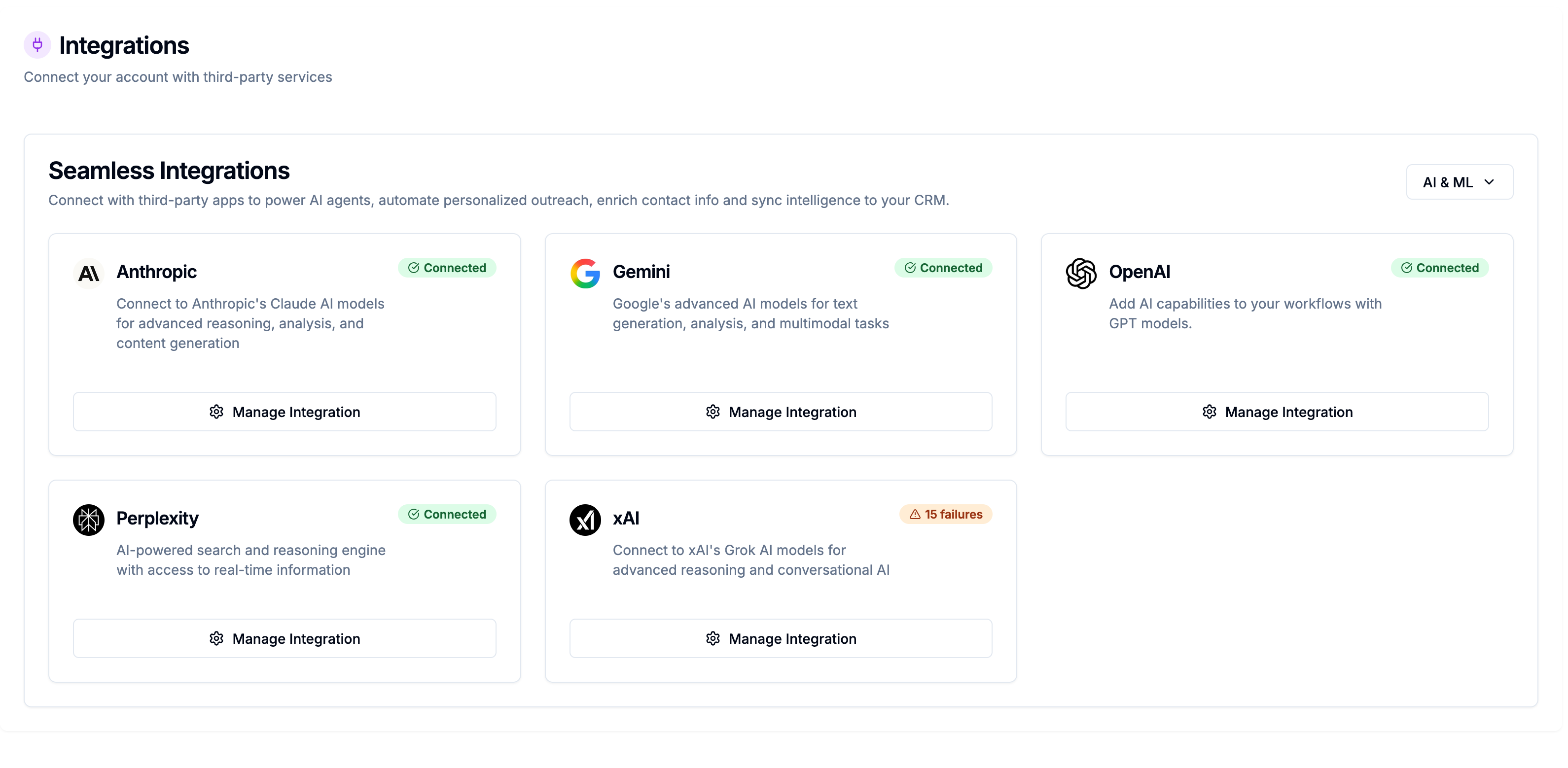
AI Agents run on your own LLM provider account. You connect your API key from OpenAI, Anthropic, Gemini, xAI, or Perplexity — your choice of provider, model, and spend level.
Platform cost: -0.1 credits per agent job (one job = one prompt sent to the LLM and one response received back). This covers unlimited conditional actions triggered by that response.
LLM cost: Charged directly by your provider based on the model and token usage. This does not come from your platform credits.
This means you have full control over your AI spend — choose cheaper models for high-volume classification tasks, more powerful models for nuanced analysis or generation.
What data targets are available
Each AI Agent is built for one type of data:
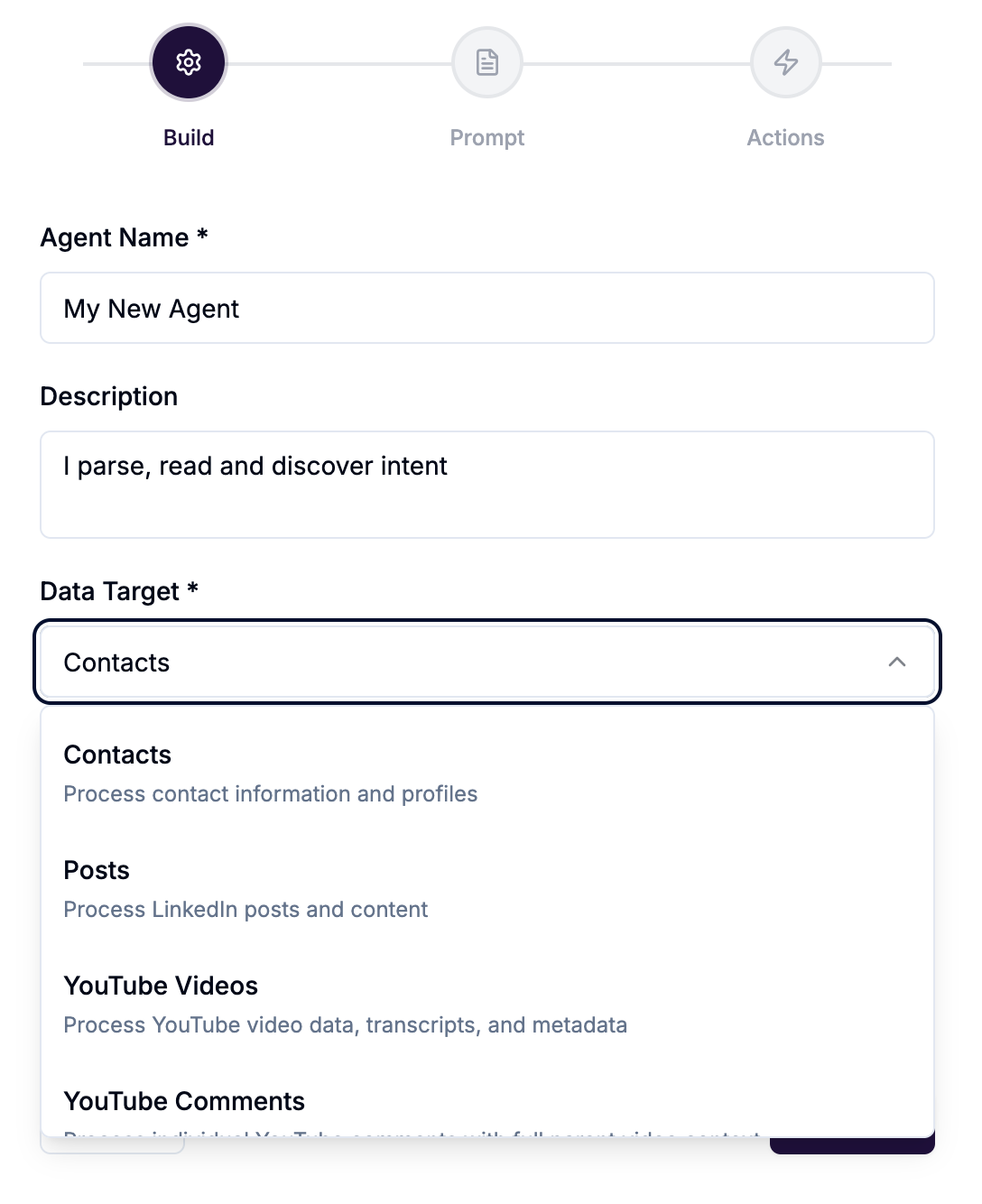
The data target determines which variables are available in your prompt and which actions are available in your conditional rules.
Where AI Agents live in your workflow
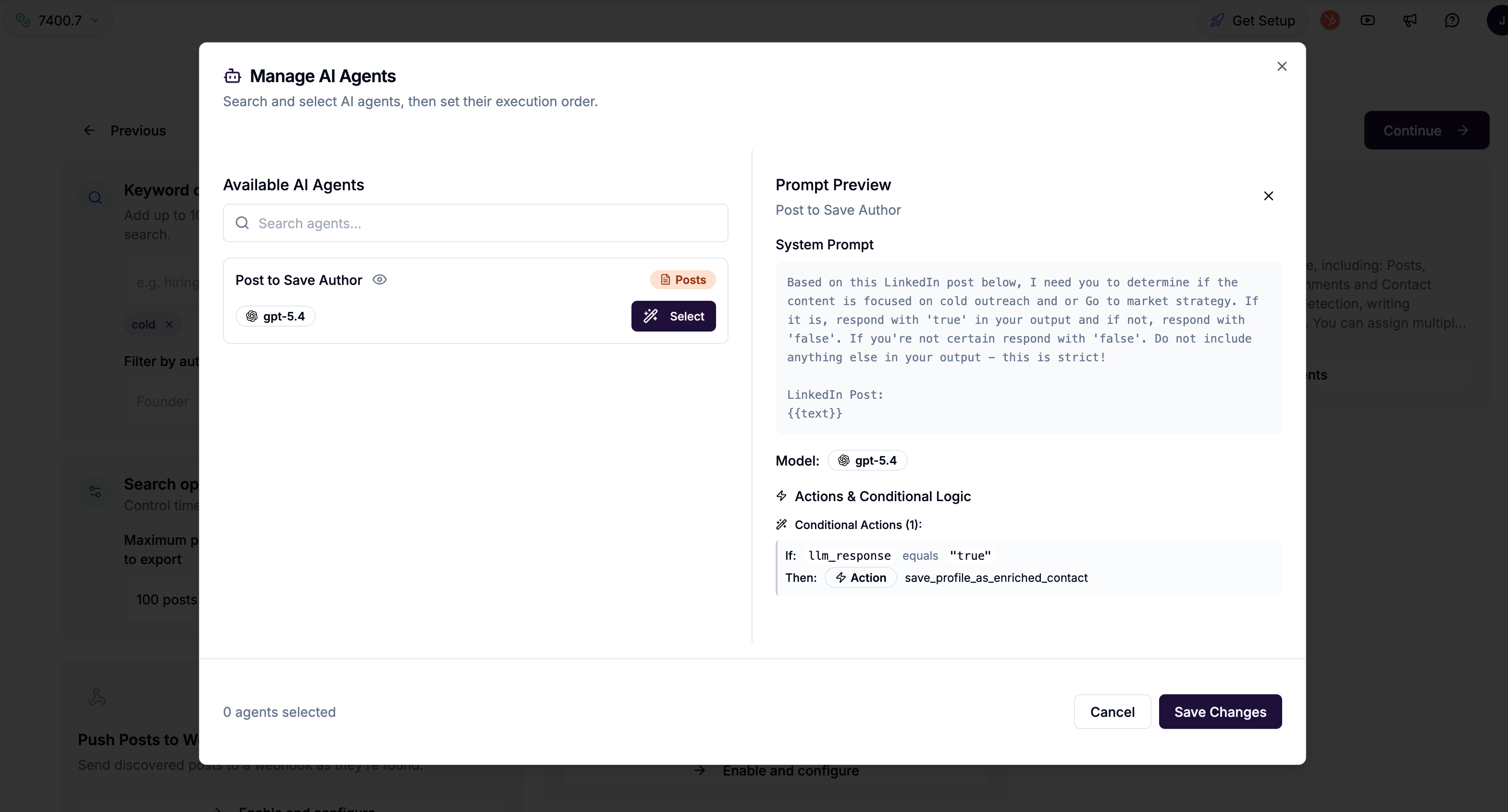
Agents can be assigned directly to a Signal — they run automatically every time the Signal processes new data. They can also be run manually on selected contacts from the Contacts manager.
When multiple agents are assigned to a Signal, they run in sequence — Agent 1 first, then Agent 2, and so on. This enables chaining: one agent qualifies, the next personalises, the next routes to the right campaign.