Understanding a contact record
Each contact in your account has a full profile sheet — a single view of everything the platform knows about that person, including their enriched data, every Signal they've appeared in, and every action they've taken across your monitoring.
Written By Kevin Lawrie
Last updated 6 months ago
Opening a contact record
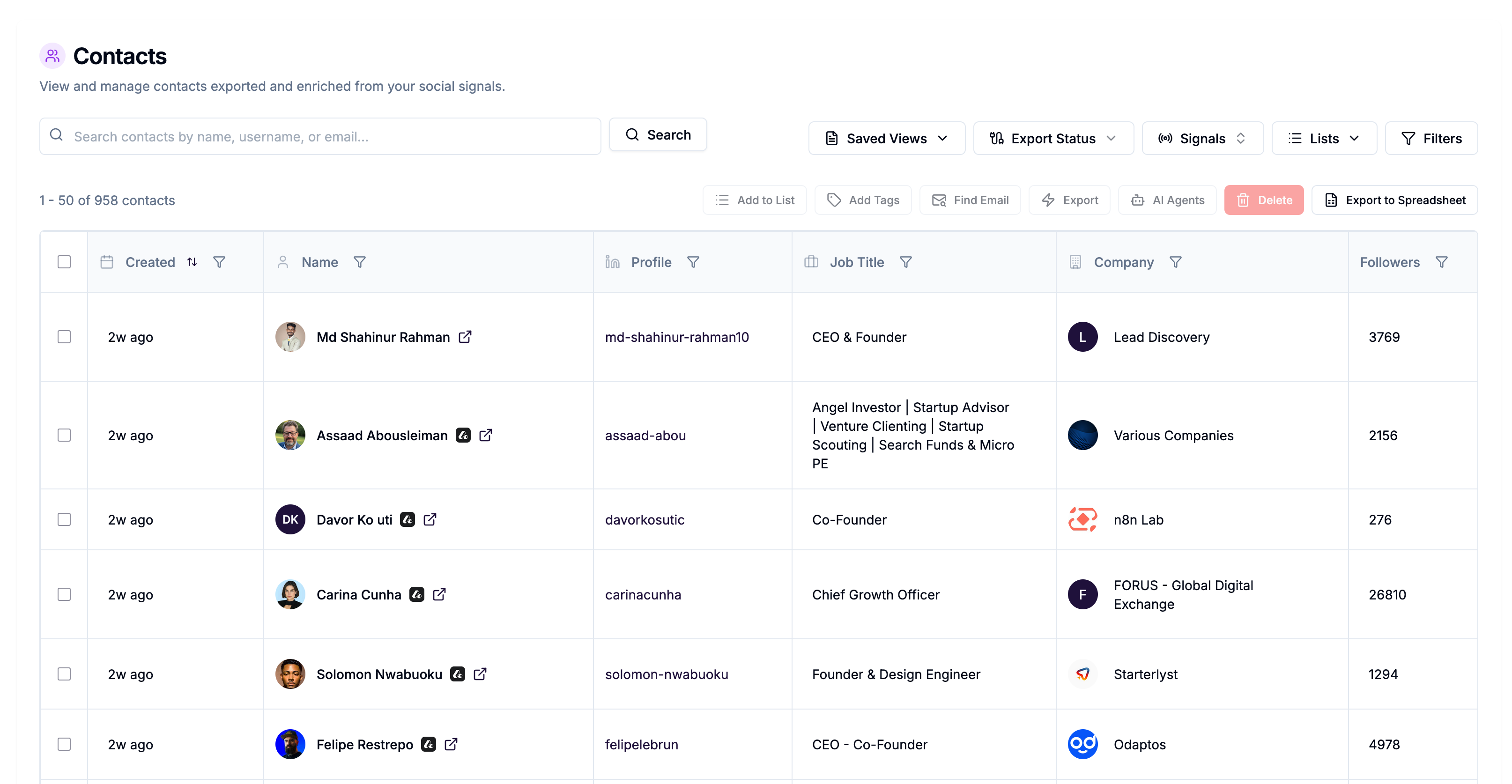
Click any row in the Contacts table to open the contact profile sheet. You can also open it from Signal Results by clicking on a post author, reactor, or commenter.
The profile header
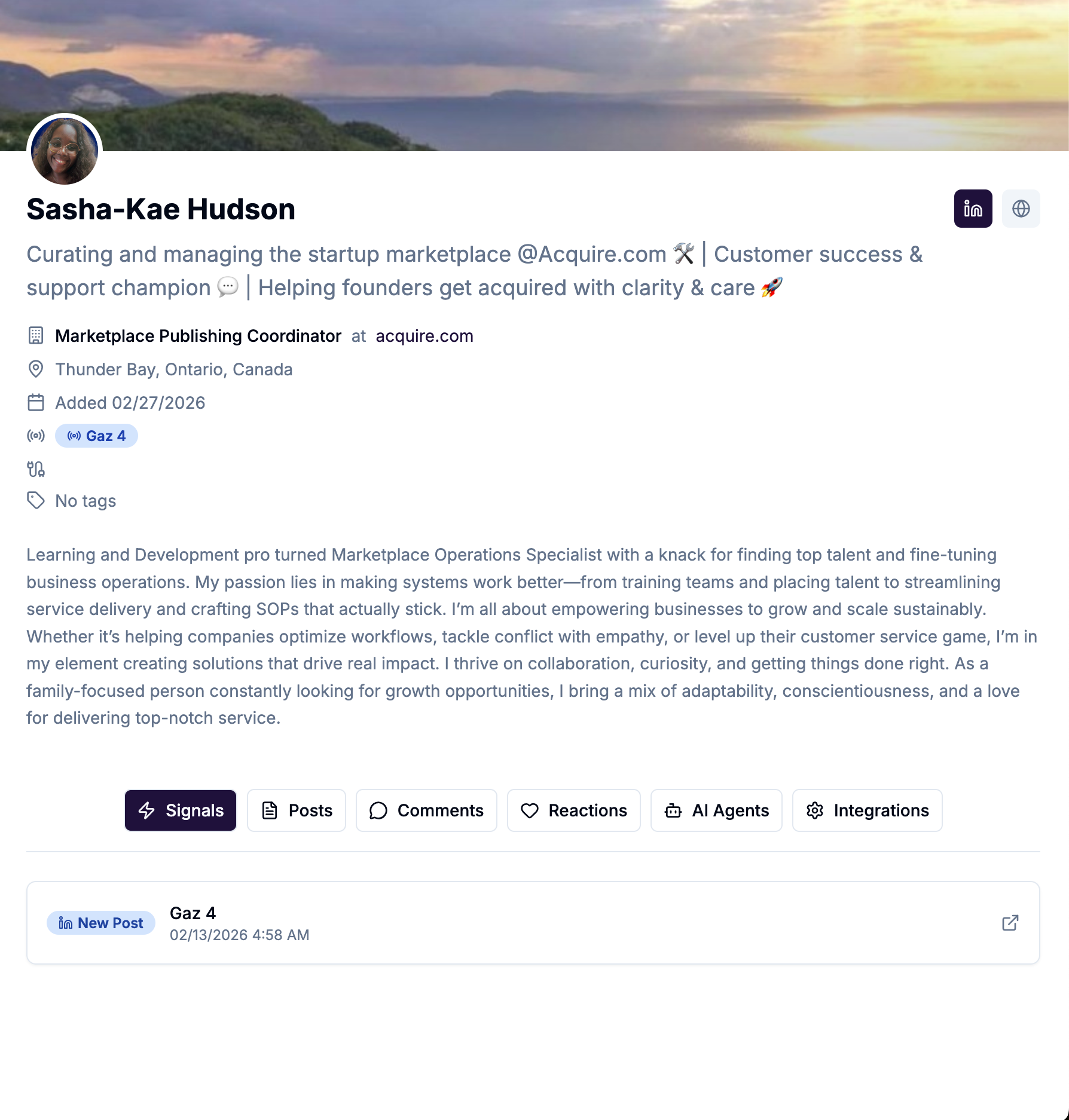
The top of the profile sheet shows the contact's core identity at a glance:
Profile picture and name
Job title and company
Location
Email address with a status badge (verified, risky, or not found)
Bio summary pulled from their LinkedIn profile
Added date — when they were first enriched into your account
Signal badges — every Signal this contact has appeared in
Integration badges — every integration they've been pushed to (HubSpot, outreach sequences, webhooks, etc.)
Tags assigned to this contact
Links to their LinkedIn profile and company website
The profile tabs
The profile sheet has six tabs. Together they give you a complete picture of the person — not just who they are, but how they've engaged with the content your Signals are monitoring.
Signals
Every Signal this contact has appeared in, with their primary Signal (the one that first created the record) marked clearly. Each entry shows the Signal name, type, when the contact was linked, and a direct link to open that Signal's results.
This is where you see the stacking in action. A contact with four Signal associations has been observed four times across your monitoring — each time adding more context to their record.
Posts
LinkedIn posts published by this contact, as observed through your Signals. Useful for understanding what they're actively writing about and whether the topics align with your outreach angle.
Comments
Comments this contact has left on posts within your Signal results. Shows the comment text, the post it was left on, and when it happened.
Reactions
Posts this contact has liked within your Signal results, with timestamps.
AI Agents
A log of every AI Agent execution run against this contact — the prompt used, the model's response, the timestamp, and the status. If an AI Agent has written output to a custom field or applied a tag, you can trace it back here.
Integrations
A detailed history of every integration action taken on this contact — CRM pushes, webhook sends, campaign enrollments, and sequence additions — with timestamps and destination details.
The 65+ enrichment fields
When a contact is enriched, the platform pulls data from their LinkedIn profile and company page and structures it into a rich record. The main field groups are:
Personal Name, headline, bio summary, email, email status, mobile phone, LinkedIn profile URL, profile picture, skills.
Location City, country, full location string.
Current role Job title, job description, employment type, company name, company LinkedIn page, company website.
Company details Industry, company size (staff count range), company type, tagline, description, phone, specialities, founding year, follower count.
Company funding Funding rounds, funding data, last funding type, last funding year. Useful for identifying companies at growth stages relevant to your ICP.
Education School, degree, field of study (supports two education entries).
Profile metrics Followers, connections, premium status, creator mode status, Top Voice status.
Engagement Reactions count and comments count across their Signal appearances.
Custom properties Any fields written by AI Agents — sentiment scores, personalised copy, ICP scores, and anything else your agents are configured to produce.
Why a contact's record gets richer over time
The first time someone is enriched, you get their profile data. But every subsequent time they appear in any of your Signals — liking a different post, commenting in a different context, getting picked up by a new Signal — their record is updated with that new activity.
A contact you enriched three months ago who has since appeared in four more Signals is a very different prospect than a contact enriched once and never seen again. The Signals tab and the engagement counts tell that story.